Do I need a computer to use this?
Nope. Your agent lives on our servers, not your computer. You just log in from your phone, tablet, or laptop — whatever you have. Nothing to download or install.
I'm not techy at all. Can I still use this?
Absolutely. You talk to your agent like you'd text a friend. Say "write follow-up emails for my clients" and it does it. No coding, no commands, no tech skills needed.
What can the agent actually do for me?
It can draft emails, write content, create files, search the web, remember things about your business, run tasks on a schedule (like a daily briefing every morning), generate images, and a lot more. Think of it as a worker that never sleeps.
Will I get hit with extra AI charges?
Both Starter ($29) and Starter+ ($49) come with a generous amount of AI included — more than enough for most people. When your monthly usage runs out, your agent automatically switches to a lighter eco model so it never stops working. Want more power? Just add balance from the dashboard anytime. Pro and Business use BYOK (Bring Your Own API Key). Depending on your provider, this could be anywhere from
~$1/day with MiniMax or OpenRouter to
~$50/day with Anthropic (Claude). On Starter and Starter+, your agent runs on Sonnet (balanced) and switches to Haiku (eco) automatically when your monthly AI allowance runs low — so it never stops working. Pro and Business unlock smart model routing across the full range, including Opus (when you BYOK), so heavy tasks get the right horsepower and quick ones stay cheap. Plus your Analytics dashboard tracks your spend in real time so there are no surprises. Our free
Academy course walks you through choosing a provider and getting a key in 5 minutes.
Is my stuff private? Can other people see my conversations?
Your conversations, files, and everything your agent knows stays in your account. Nobody else can see it. We don't read your data.
What happens when the agent is "working while I sleep"?
Your agent stays online 24/7 on our servers. If you set up scheduled tasks (like "check my inbox every morning at 7am"), it runs those automatically even when you're not looking. When you open the app, everything it did is waiting for you.
Is it available now?
Starter and Starter+ plans are live — you can sign up and start using your agent today. Pro and Business tiers are coming soon. Questions? Email us at
JahFeelAutomation@gmail.com.
What if I don't like it? Can I cancel?
Yes, anytime. Monthly subscription, no contracts. Cancel before your next billing date and you're done. Your data (conversations, files, configs) stays available for 30 days after cancellation so you can export anything you need. After 30 days, it's permanently deleted.
Do I need the Workshop or Academy first?
Not at all. Agent HQ works on its own. The Workshop ($75, live training) and Academy (free, 24 chapters) help you get even more out of your agent, but they're totally optional.
Who is each plan for?
Starter ($29/mo) is for people exploring AI agents — 1 agent, generous AI included, eco fallback when usage runs out. Great for getting started with zero setup. Starter+ ($49/mo) is for people who outgrew Starter — same 1 agent, even more AI included, Enhanced workspace, same eco fallback, more resources. Pro ($99/mo) is for power users who want full control — 2 agents, larger monthly AI allowance, your pick from 300+ models, your own power level, plus Live Viewer, session replay, full analytics, API access, and hooks. Business ($199/mo) is for business owners who want working agents on day one — we interview you, match your business to a vertical template, and build 2 agents for you. Largest monthly AI allowance, you set the budget. It costs more because we do the setup that other companies charge $3-5K for. All tiers can bring your own API key (BYOK) as a fallback.
What's the difference between the plans?
Starter ($29) = 1 agent, generous AI included, eco fallback. Memory, files, scheduling, Command Center, Discord community. Starter+ ($49) = 1 agent, even more AI included, same eco fallback. More resources, scheduled reports, custom name/avatar. Pro ($99) = 2 agents, larger monthly AI allowance, pick from 300+ models, set power levels, Live Viewer, session replay, full analytics, API access, hooks, and approval queue. Business ($199) = 2 agents built and configured for your business from vertical templates, largest monthly AI allowance, everything in Pro, multi-agent correlated view, team access, ongoing strategy support, priority support. All tiers can BYOK as a fallback.
What does "templatized setup" mean?
Other companies charge $3,000-$5,000 to build a single AI agent for your business. Our Business plan uses pre-built vertical templates (real estate, insurance, content creation, general business, and more) to configure your agents automatically. You fill out an intake form, we match your needs to a template, customize the config, and deploy. Working agents on day one — no waiting weeks for a custom build.
What are managed agents?
Managed agents are built by our team specifically for your business using vertical templates. We set up the personality (SOUL), skills, scheduled tasks, and channel connections — then we maintain it, update it, and fix anything that breaks. You don't touch the config; we handle everything. Business plans include 2 managed agents.
Why not just pay someone $3,000 to build me an agent?
Because they build it once and disappear. No updates when AI models improve, no monitoring when something breaks at 2am, no adjustments as your business changes. With Business, we build your agents AND keep them running — updated, monitored, and maintained month after month. Plus you get the full Agent HQ platform: memory, scheduling, analytics, team access, Live Viewer, and priority support.
How is this different from ChatGPT or regular AI chat?
Regular AI chat forgets you exist between sessions and can only generate text. Agent HQ gives you a persistent agent with permanent memory, real file creation, scheduled automations, and 24/7 access from your phone. Think of it as hiring someone who never clocks out.
How was Agent HQ built?
Jeff — our lead AI agent — runs 24/7 handling daily operations, monitoring, scheduling, and builds. After watching people struggle with the same problems (agents forgetting everything, crashing without warning, files scattered everywhere), Jeff said: "What if we just did it for them?" That's how Agent HQ was born — permanent memory, health monitoring, organized files, multi-agent communication, and easy scheduling, all in one place.
What's the Command Center?
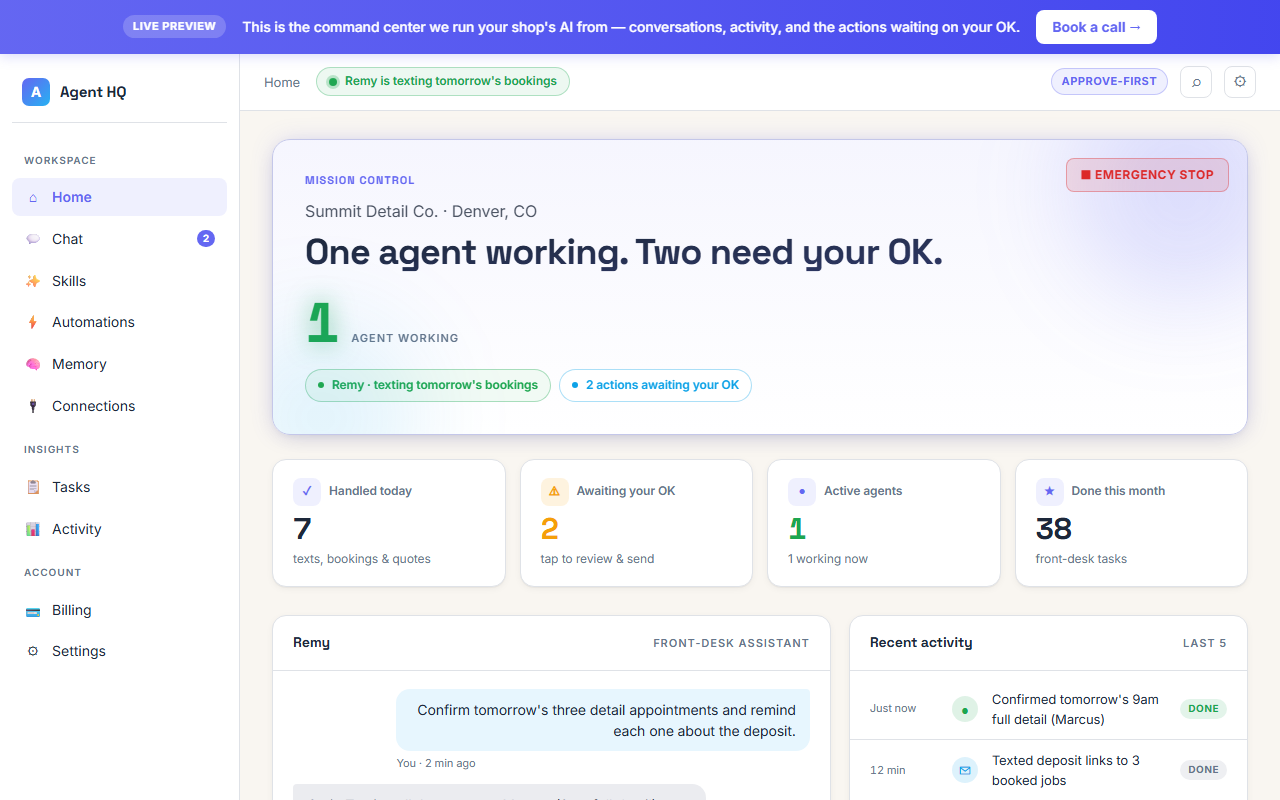
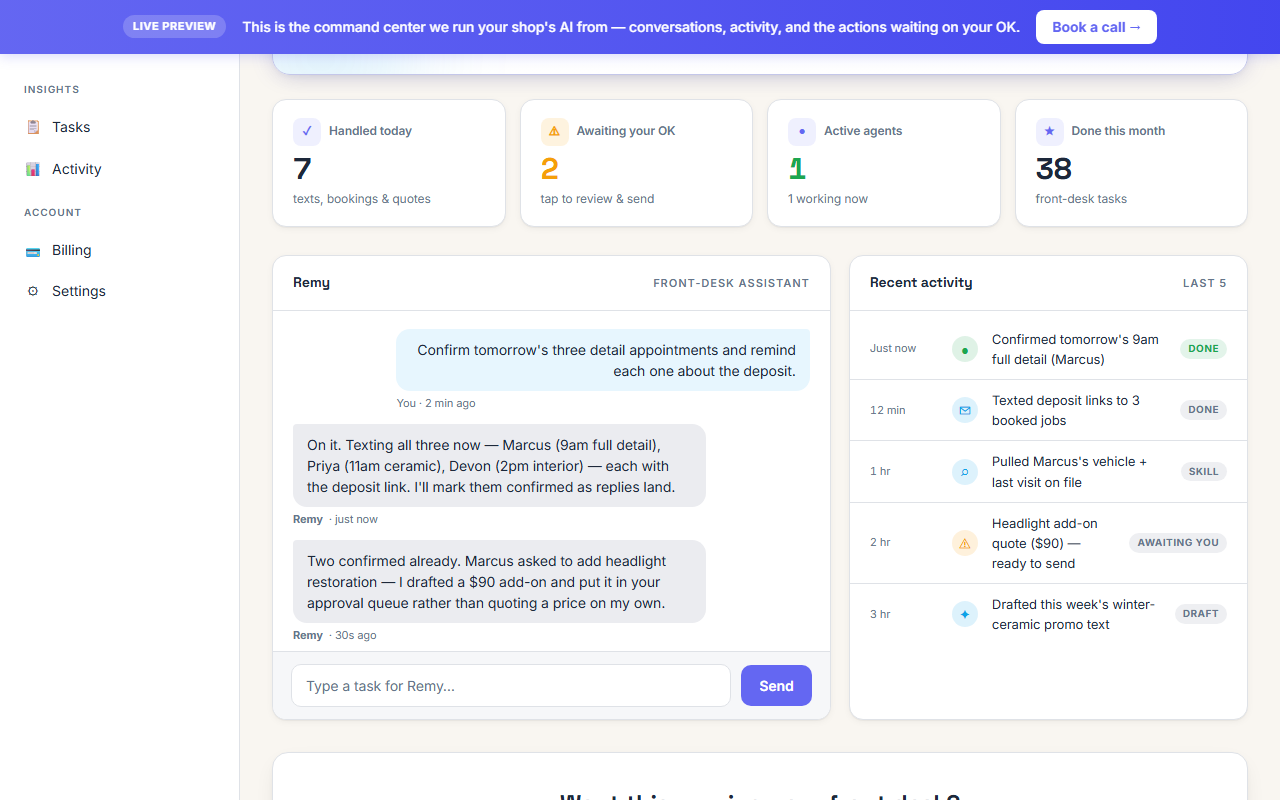
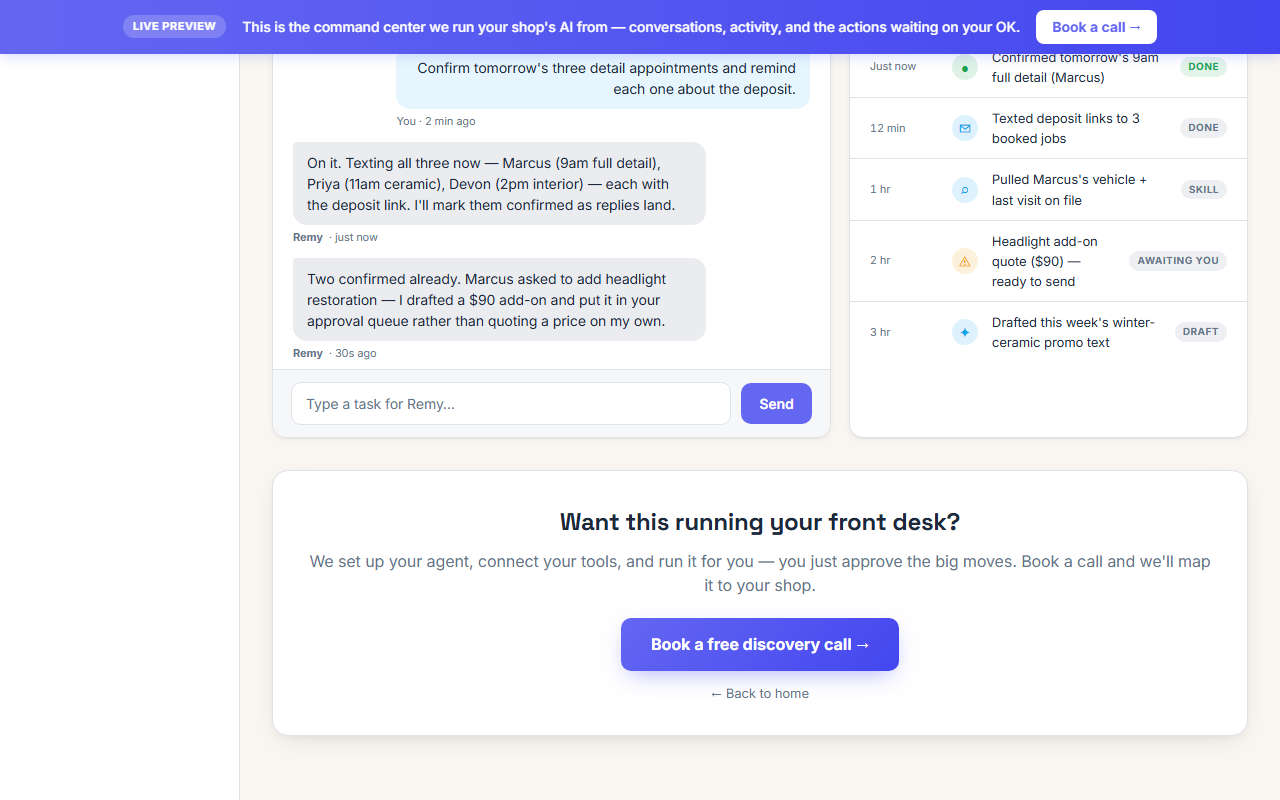
The Command Center is a visual dashboard where you can watch your agents work in real-time. Each business or task gets its own "room" — content creation, research, email campaigns — and you can see exactly what every agent is doing, what they've produced, and how things are going. It's included on all plans.
If I cancel, what happens to my data?
Your data (conversations, files, agent configs, SOULs) stays available for 30 days after cancellation. During that time you can log in and export everything. After 30 days, it's permanently deleted from our servers. We don't sell or share your data — ever.
Can I learn how it all works under the hood?
Yes! The free Academy course (24 chapters) teaches you how AI agents work behind the scenes, and the Workshop ($75, live) walks you through building and configuring your own agent from scratch. Both are completely optional — Agent HQ works without them.
How do AI credits work?
Your plan includes a generous amount of AI credits. Each time your agent does something (writes content, searches the web, answers a question), it uses a small amount of credits based on the task complexity. You can see your balance and usage in real-time right in the dashboard. When credits run low, your agent switches to a lighter model so it never stops working. Need more? Add credits instantly from the dashboard — choose your amount — and they're applied to your balance immediately.
Can I track exactly what my agent is spending?
Yes. The AI Usage widget on your dashboard shows your credit balance, daily burn rate, and estimated days remaining. In Settings, the AI Configuration page shows a full history of every AI call — which model was used, how many tokens it consumed, and the exact cost. No hidden charges, no surprises.